A / 01
Always nearby
The cats wander, wait, nap, and settle in while you work.
Independent software / Release 001
Ajman 0.3.2 · macOS
Ajman is a small desktop companion starring Ajman and Winnie. The pixel-art cats wander, nap, play, and keep you company while you work.
Requires macOS 12 or later · Apple silicon
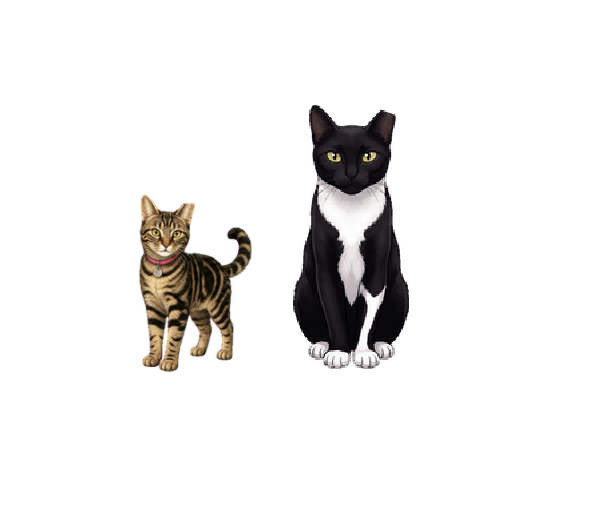
Ajman lives on your desktop and in the menu bar. He and Winnie bring a little motion and company to the quiet stretches of the day.
A / 01
The cats wander, wait, nap, and settle in while you work.
A / 02
Choose actions and set each cat’s temperament from Catatonic to Insane.
A / 03
Show or hide either cat, change their size, and reset their position.
Double-click Ajman-0.3.2.dmg in Downloads.
Drag Ajman.app onto the Applications folder.
Launch it from Applications. On first launch, choose whether it should open at login.
| Version | 0.3.2 |
|---|---|
| System | macOS 12+ / Apple silicon |
| Format | DMG disk image |
| SHA-256 | 12caa9d94533d17918db06ed3614e65f2915d4e4ffc32d82af0efebb358c197f |
This page uses no analytics, cookies, or third-party resources.